You refreshed your follower count and it went down. You don't know who. Instagram doesn't tell you. And every app promising to show you is either asking for your password, stuffing you with ads, or — worst of all — getting your account restricted.
There is a safe way to do this. It doesn't require your Instagram password, it won't get your account flagged, and it works for every account — small creator or major brand. Here's exactly how.
Why most "unfollower tracker" apps are a trap
Before we get into the right way, it's worth understanding why the wrong way is so common — and so dangerous.
The majority of unfollower apps work by logging into your Instagram account on your behalf. They ask for your username and password, use Instagram's private API directly, and pretend to be you. Instagram's systems detect this as a bot login and they will restrict, shadow-ban, or permanently disable your account.
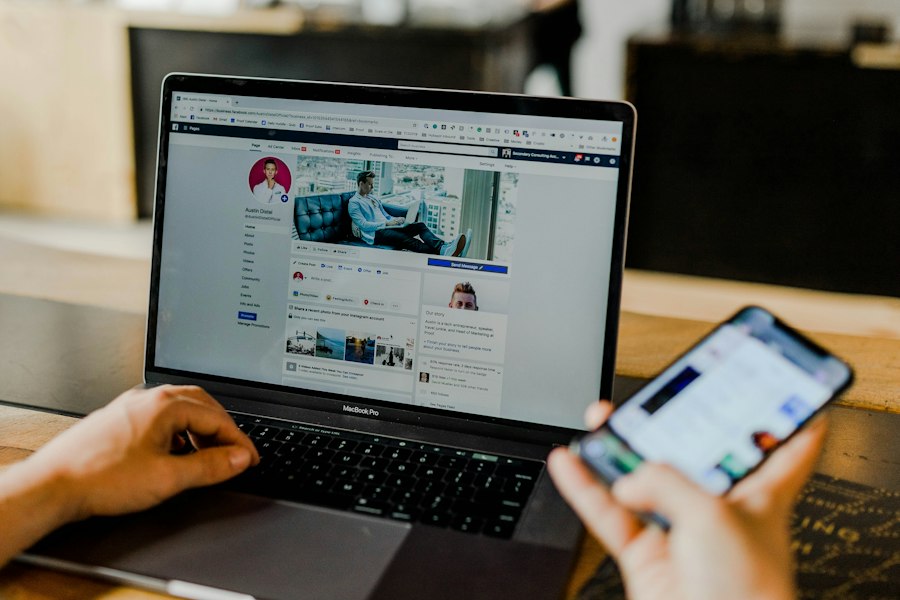
Don't believe it? Here's a real App Store review of one of the most popular unfollower apps on the market:
"I switched back over to Instagram and noticed I couldn't access my settings, couldn't send or receive messages, like or comment on posts. I don't know what this app did to my Instagram. DONT DOWNLOAD THIS APP." — Verified App Store review, Sep 2025
This isn't a one-off. Thousands of accounts have been restricted or banned using apps like this. The developers know — they just don't care.
The only safe method: Instagram's own data export
Instagram gives every user access to their own data via the Account Centre. You can request a download of everything Instagram knows about you — including your full followers and following lists. This is legal, encouraged by Instagram, and completely safe.
The process takes about 2 minutes to request, then Instagram emails you a download link (usually within 5–60 minutes). Once you have the file, tools like UnfollowMeter do the comparison for you.
Step-by-step: how to get your Instagram data
Open Instagram's Account Centre
On the Instagram app: tap your profile picture → ☰ menu → Accounts Centre.
Or click the button below to go directly.
Open Instagram Data Download →
Navigate to "Download your information"
Tap Your information and permissions → Download your information.
Select "Some of your information" then "Followers and following"
Only tick Followers and following — you don't need anything else, and it keeps the file small.
Set format to JSON and date range to "All time"
This is critical. The default is HTML and "Last year" — change both. JSON format gives us structured data we can reliably parse. All time ensures we get your full history.
Tap "Create files" and wait for Instagram's email
Instagram typically sends the download link within 5–60 minutes. Keep an eye on your inbox.
Upload the ZIP to UnfollowMeter
Once you have the file, head back here and upload it. We process it in seconds and show you the full picture.
UnfollowMeter vs other methods: a quick comparison
| Method | Requires Password? | Account Risk | Accuracy |
|---|---|---|---|
| UnfollowMeter (data export) | ❌ Never | Zero risk | 100% — directly from Instagram |
| Most third-party apps | ✅ Yes — your IG login | High risk | Unreliable — API scraping |
| Manual counting | ❌ No | Zero risk | Very low — impossible at scale |
| Checking who you follow | ❌ No | Zero risk | Partial — shows non-followers, not unfollowers |
Ready to see who unfollowed you?
Upload your Instagram ZIP file and get your results in under 10 seconds. Free to start.
Start free — no password neededNo credit card · No Instagram login · Results in seconds
What does UnfollowMeter actually show you?
Once you upload your file, UnfollowMeter compares your followers and following lists and gives you three distinct results:
- Non-followers — people you follow who have never followed you back. This is your "cleaning list".
- Unfollowers — people who followed you at your last check but don't anymore. This is only available from your second upload onwards, since we need two snapshots to compare.
- New followers — people who started following you since your last check. A nice confidence boost.
Each account in the list is a clickable link straight to their Instagram profile. You can also browse anonymously — without them knowing you visited — through the incognito viewer button on each card.
Frequently asked questions
Does Instagram know I'm using UnfollowMeter?
No. UnfollowMeter never connects to Instagram. You download a file from Instagram's own settings and upload it to us. As far as Instagram is concerned, you just downloaded your personal data — which is completely normal and encouraged by their own policies.
Can I get banned for using this?
No. Because UnfollowMeter doesn't interact with Instagram's API at all. The only apps that get accounts banned are those that log in using your credentials and make automated API calls. We don't do any of that.
How often should I upload?
Once every 2–4 weeks gives you meaningful data without becoming obsessive about it. For creators posting frequently, once a week is fine. Remember: the goal is to understand your audience, not to stress over individual accounts.
What if my follower count is very large?
Instagram's export handles accounts of any size — it's just a data file. Accounts with 100,000+ followers will have a slightly larger ZIP file but the process is identical. UnfollowMeter processes large files in the same time as small ones.